

Devices
The dashboard panels show plant totals: every inverter and every solar string added into one number. The Device Breakdown page (/devices) opens them up one by one.
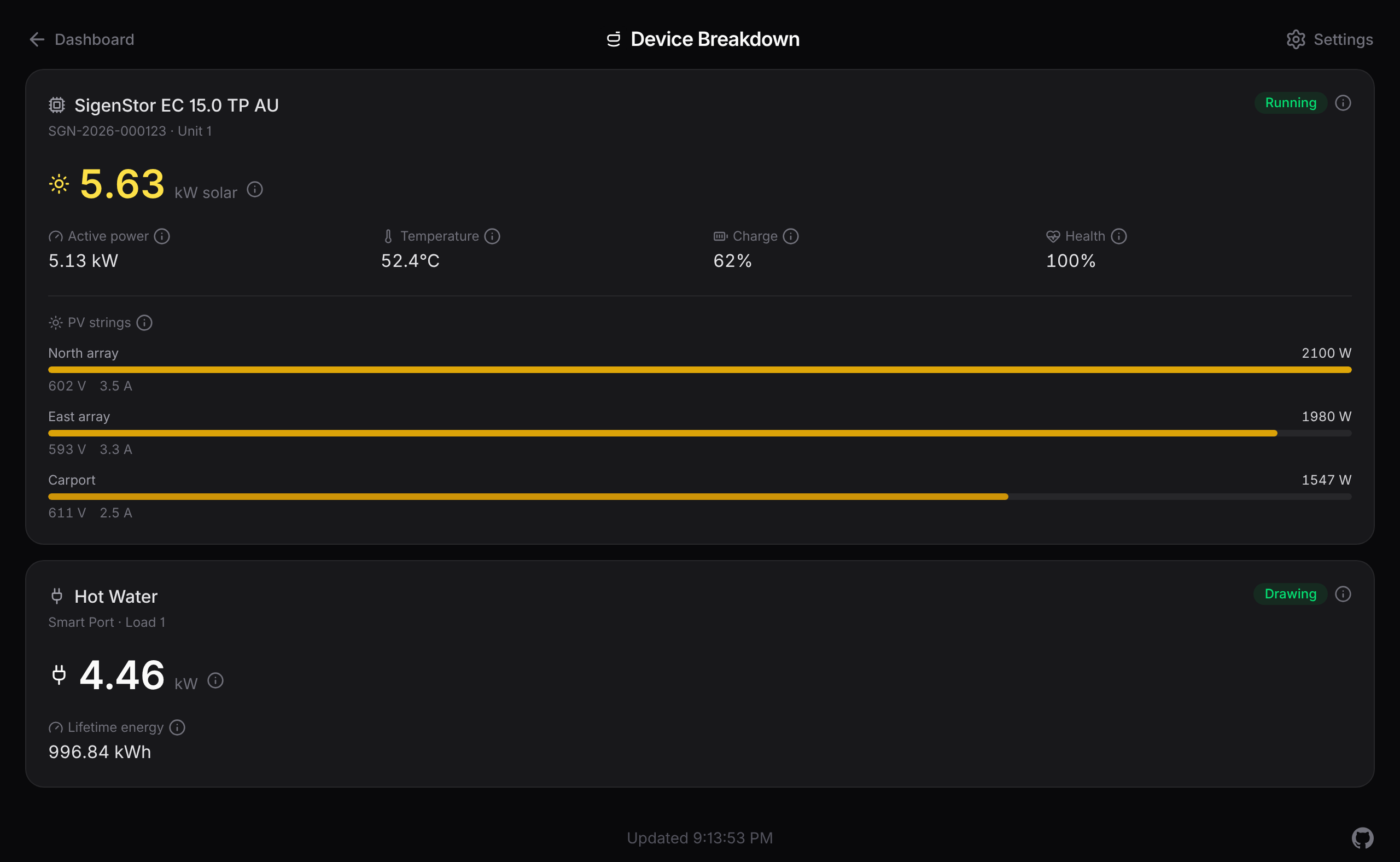
Inverters and solar strings
Each inverter the bridge finds on your gateway gets a card with its model, serial, running state, live solar and power, temperature, and its own charge and health. Under that, a bar per solar string shows that string's watts, volts, and amps.
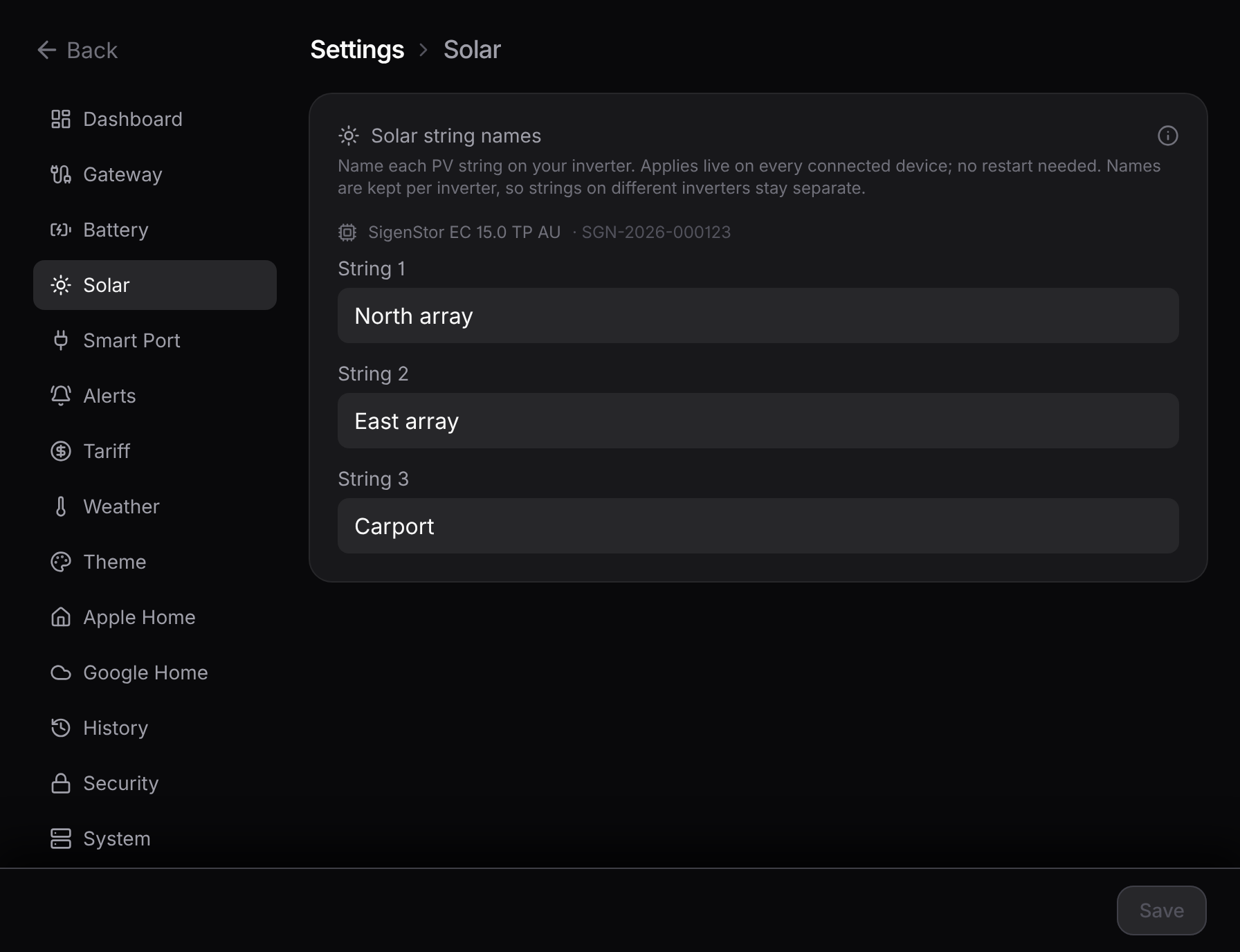
Strings read String 1, String 2, and so on by default. Rename them to whatever you recognise (North Roof, Garage) in Settings → Solar. Names are kept per inverter, so strings on different inverters stay separate, and a new name shows up live with no restart.
Smart Port loads
Anything wired to the gateway's Smart Port (a hot water system, a pool pump, another controlled load) gets a card too, showing whether it's drawing right now, its live power, and its total energy since it was commissioned.
Worth knowing:
- You name the loads. The gateway doesn't share the names you gave them in the mySigen app, so set them in Settings → Smart Port.
- Idle means "not drawing", not "off". The gateway doesn't report the switch position, so a load at zero watts reads as Idle, which covers both switched-off and on-but-not-drawing.
Because the gateway runs its Smart Port schedules itself, these readings keep flowing even when your internet is down.
Put them on the dashboard
The same settings section can show the loads on the dashboard. One switch adds the combined Smart Port draw above the Home tile's total in a dimmed shade (it's part of home consumption, so it reads as "of which"), retitles the tile Home • Smart Port, draws a Smart Port line on the trends chart, and adds a named readout for each load to the Home panel's fullscreen.
Reading it
Open the Device Breakdown page from the Devices button in the dashboard header, or from Settings → System. The page is read-only and updates over the same live stream as the dashboard. The same per-device data also comes through the JSON API in the devices array.
Want the nitty-gritty?
How the bridge discovers inverters and loads, which device types it doesn't read yet, and the exact per-device fields are on the reference page: Devices & sources.