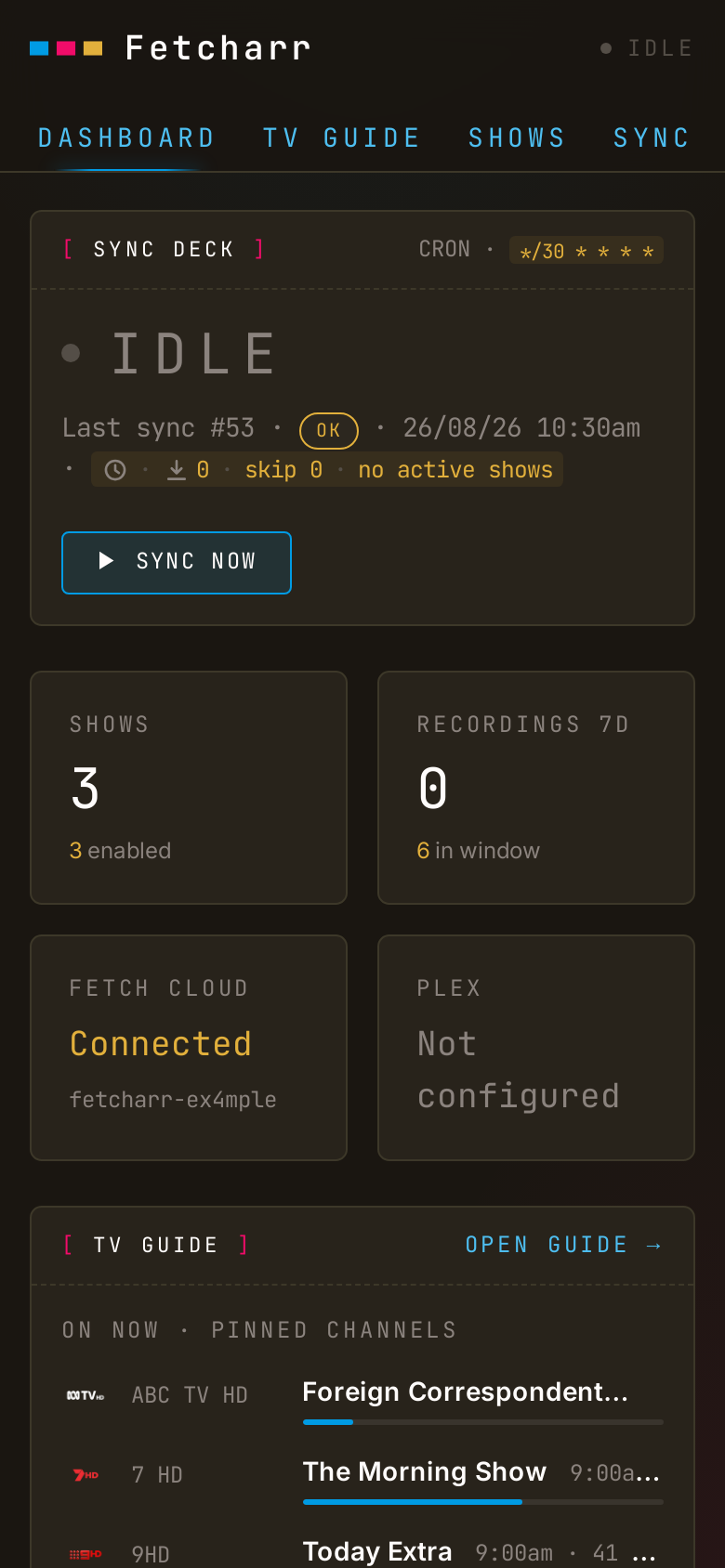
What Fetcharr is
IMPORTANT
In September 2026 Fetch TV announced a Gen 3 Extended Service Levy: owners of a Mini Gen 3 or Mighty Gen 3 box with no subscription will be charged $29.99 to keep the box working until 31 October 2027, auto-charged to the card on file on 1 November 2026, unless they act by 31 October 2026, and a suspended Mighty Gen 3 account loses the ability to make or view recordings. The alternative Fetch offers is a new box plus a $4.99/month Fetch Access subscription. Fetch's guide and scheduling APIs are cloud-only and the box doesn't use the free over-the-air guide, so a tool bound to Fetch has no future.
The successor to Fetcharr is freetvarr. It's the same app, but recording free-to-air with a HDHomeRun tuner and TVHeadend instead of Fetch TV.
Still on a Fetch box? Use fetchtv to copy your recordings off before 1 November 2026.
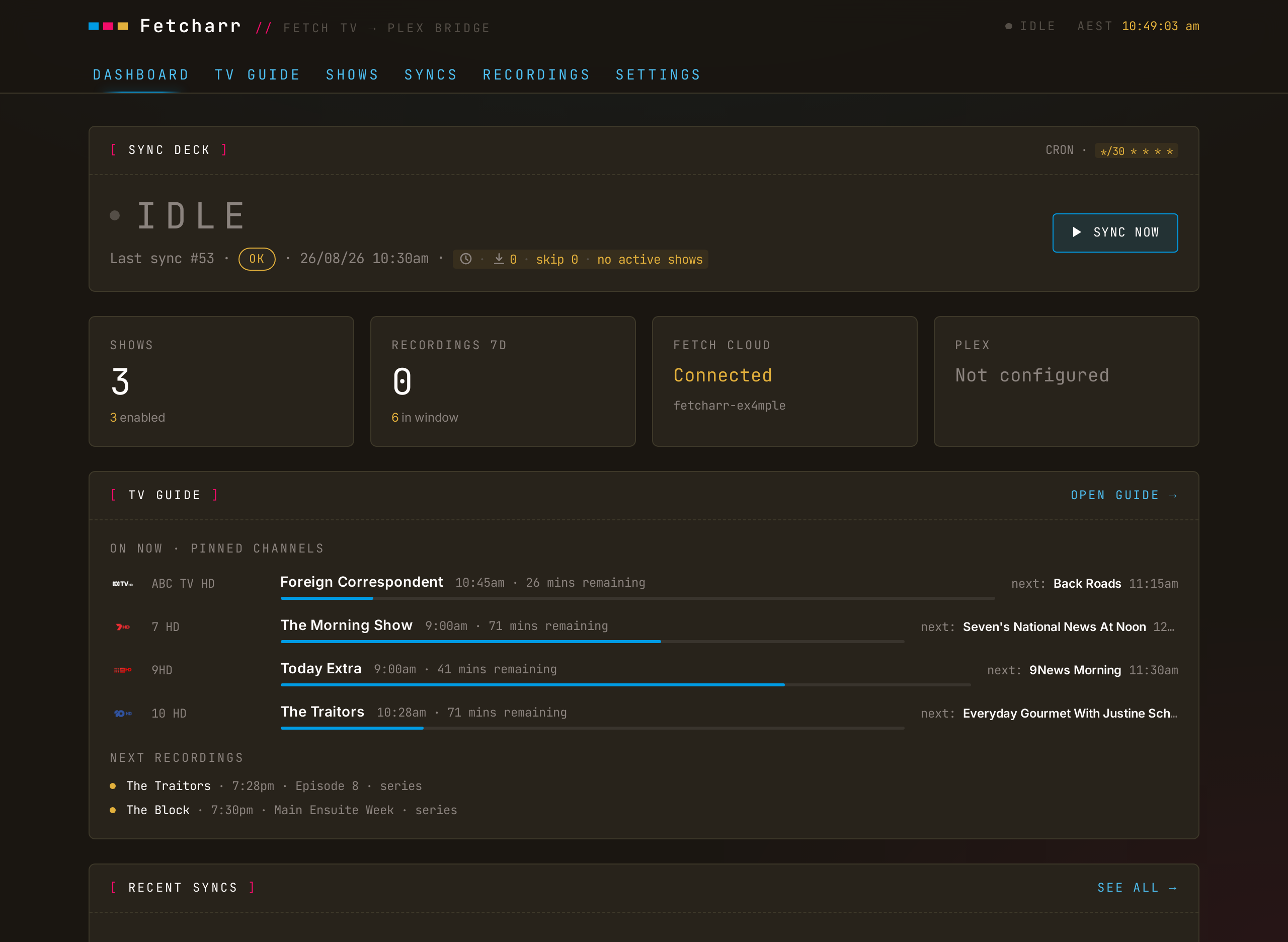
Your Fetch TV box records the shows you tell it to, then the recordings sit on the box, watchable only through Fetch's own interface. Fetcharr watches the box on your LAN, downloads new episodes of shows you mark to follow, drops the files into your Plex TV library, and pokes Plex to scan. Once Plex confirms the file, it can optionally delete the recording from the Fetch box.
If your media stack is Fetch TV → Plex, Fetcharr is the automation in between: schedule recordings on the box as usual, and they turn up in Plex named and foldered.
What Fetcharr isn't
- Not an indexer integration (Sonarr / Radarr / Prowlarr). Fetcharr works with the recordings on your Fetch box: it downloads what the box has recorded, and its TV Guide schedules what the box records next. It doesn't search the internet for content.
- Not authenticated. There's no login, so it's built for a home network you trust. The usual web hardening is in place (CSRF protection, rate limiting, a strict content-security policy), but anyone who can reach the page can change its settings, so don't expose it to the internet. See the security model.
- Not a converter. Files arrive from the box as
.ts(the raw broadcast format) and stay.ts; Fetcharr never re-encodes them. The optional ad-cutting copies the video across untouched and just drops the ad sections, so there's no quality loss and no change of format. If you want.mkv, run the files through Tdarr or similar afterwards. - Not a notifier. No Discord / ntfy / push integration.
IMPORTANT
Tested against a Fetch TV Mighty 3 and Plex Media Server. Other Fetch hardware and firmware are unverified.
Where next
- Getting started — run it with Docker and walk the first-run wizard.
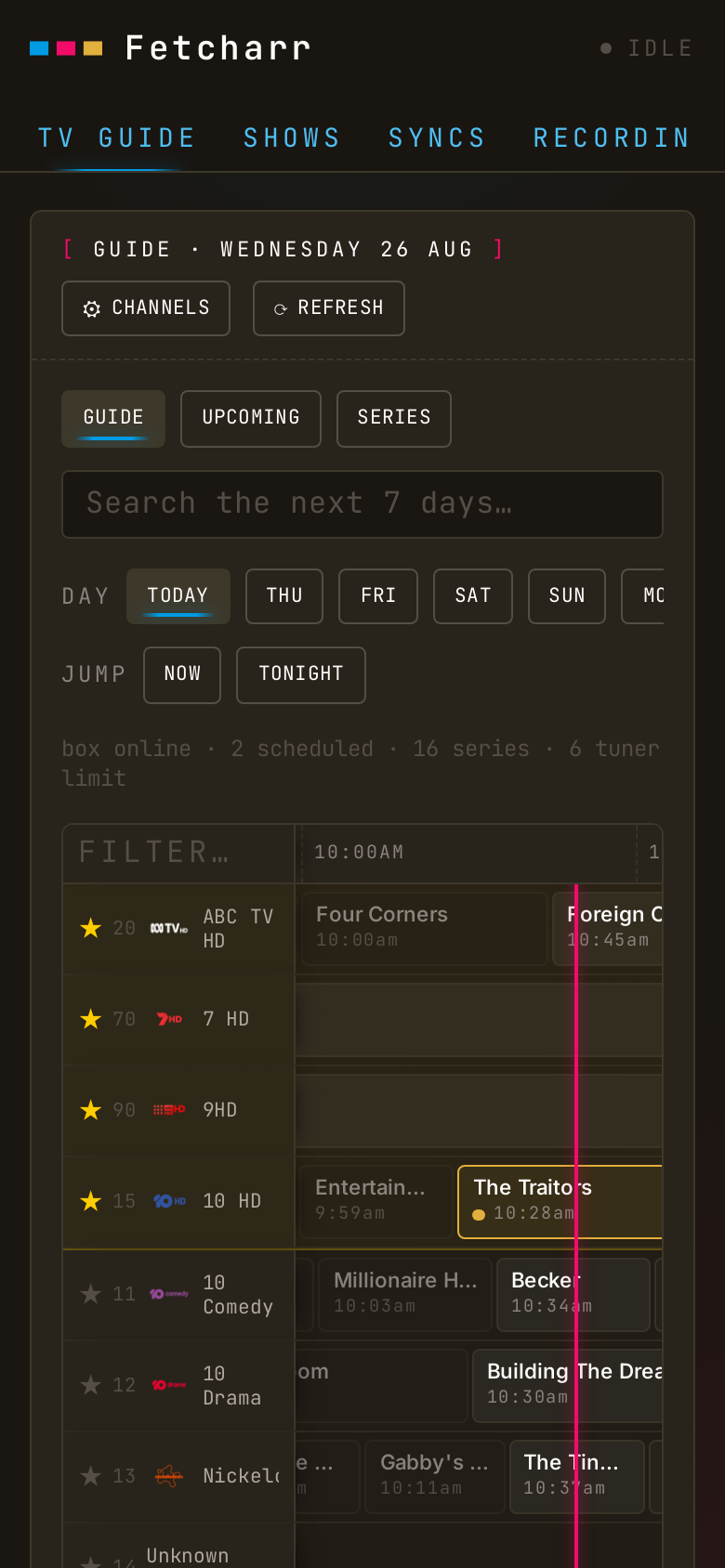
- TV Guide — browse 7 days of programmes and schedule recordings on the box from the browser.
- Following shows — mark shows to follow and point them at library folders.
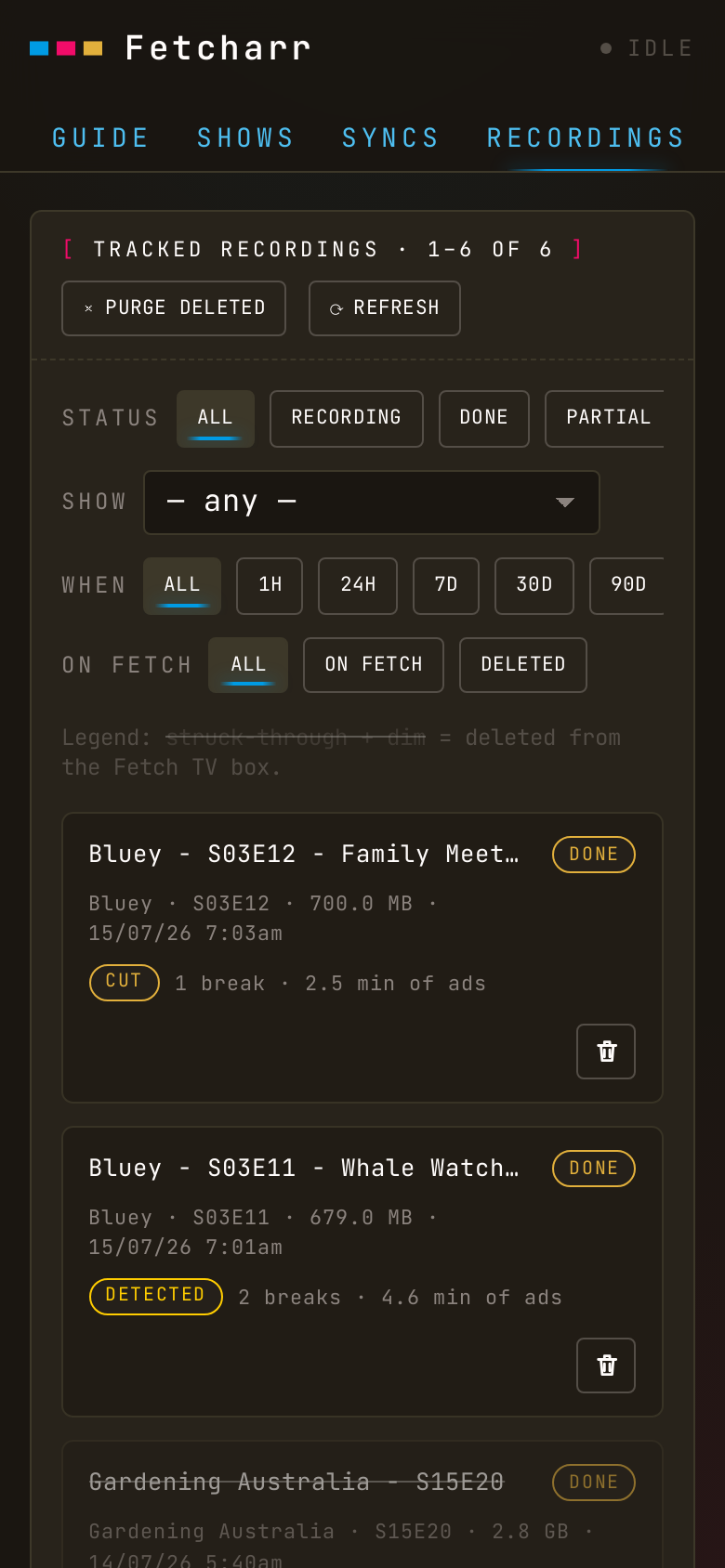
- Recordings and Syncs — watch downloads happen and read the status of each one.
- Ad removal — the optional comskip detect/cut pass.
- Plex and Delete from Fetch — the two optional integrations.
- Configuration and Troubleshooting — the deploy knobs and the fixes for common snags.
It works on a phone, too: on a narrow screen every view rearranges into cards and swipeable rows of buttons.