Syncs
A sync is one pass over the Fetch box: browse its listings, match them against your followed shows, download anything new, then refresh Plex if a download completed. The Syncs tab is the history of those passes.
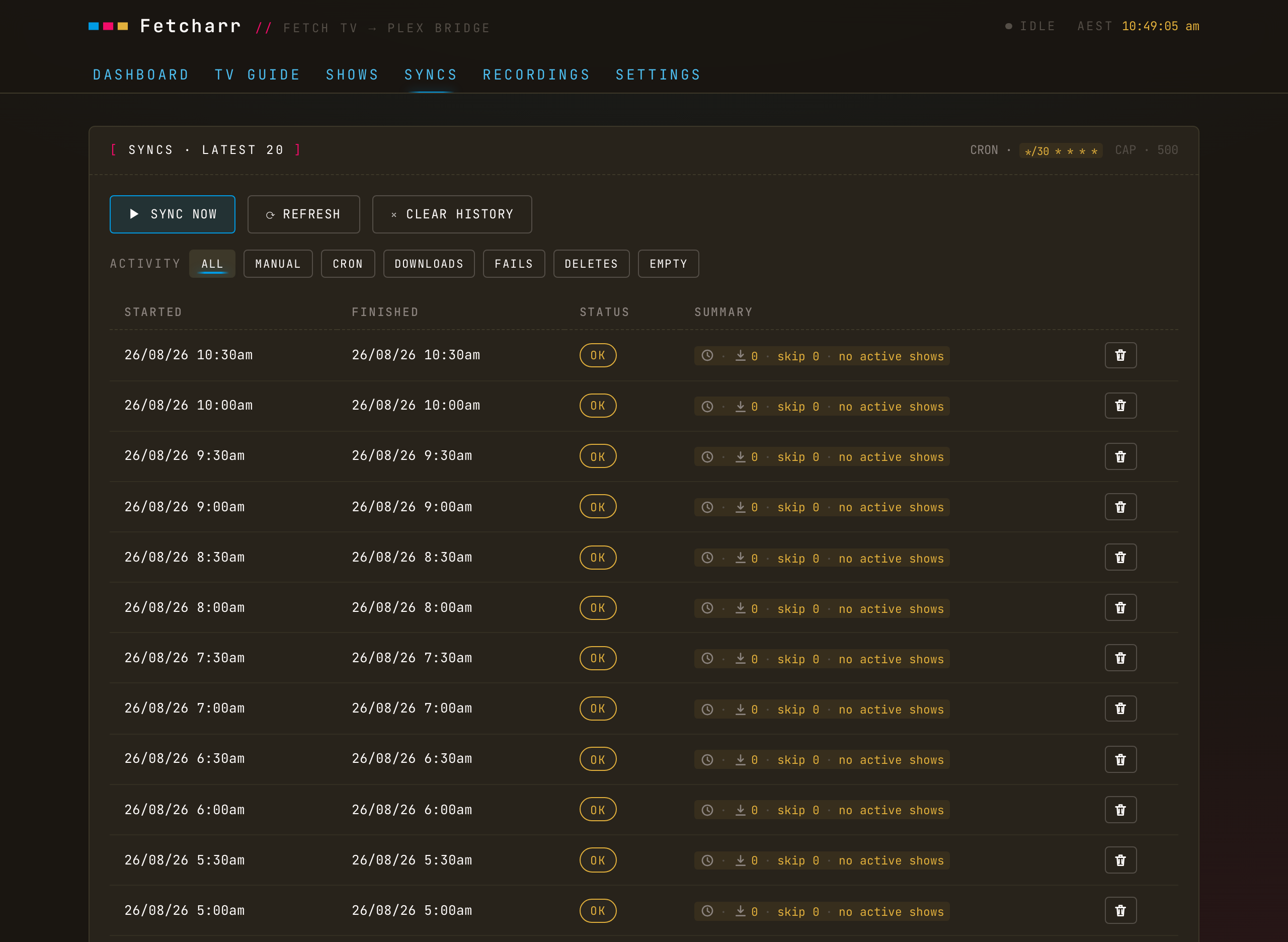
Scheduled and manual
Set a schedule in Settings as a cron expression (the * * * * * timing string) and Fetcharr checks the box on that schedule; changing it takes effect without a restart. You can also Sync now for every enabled show at once, or for a single show from the Shows tab.
Reading a sync
Each row shows what the pass did: downloads, failures, deletes, or nothing (empty). A sync is marked ok unless something failed. An incomplete download (a partial recording) counts as a failure rather than a skip, so it stands out at a glance.
History
Sync history keeps the latest 500 rows. Clear individual rows or the whole history from the tab, and filter by activity: DOWNLOADS / FAILS / DELETES / EMPTY.